How to play
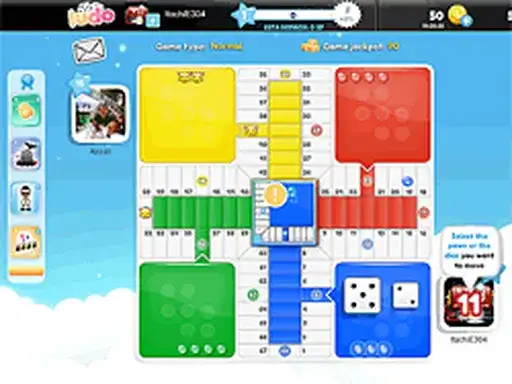
Ludo is a classic multiplayer board game, and you can play it against your friends. The developer says you can challenge the people you know, so a session is built around playing with others rather than only yourself. As you play, you can unlock achievements and win prizes, and the developer says those prizes can be shared with your friends. Special prizes go to top ranking players every week, according to the developer. The game runs in your browser, so nothing needs installing before a match. Open the page and the board is ready for you and the friends you want to challenge.
Controls explained
The provider does not list any controls for this game. The board and the pieces are handled on screen, and the developer does not describe any keys or buttons. Keep the game open in your browser tab while you play with friends, and return to the page when you want to begin another match.
Tips
- Play with friends when you can, since the game is built as a multiplayer board game for challenging people you know.
- Keep playing to unlock achievements, which the developer says come as you play.
- Watch the weekly prizes, because the developer says top ranking players get special prizes every week.
- Share the prizes you win with your friends, as the developer says prizes can be shared.
- Open the page at the start of each session so the board is ready before your friends join.
FAQ
Can I play Ludo with my friends? Yes. The developer describes it as a classic multiplayer board game where you can play and challenge your friends.
What do I get for playing? The developer says you can unlock achievements and win prizes as you play, and that you can share those prizes with your friends.
Are there prizes for the best players? The developer says special prizes are given to top ranking players every week.
Does it cost anything to play? The fact pack does not state a price, so check the page for current details.