How to play
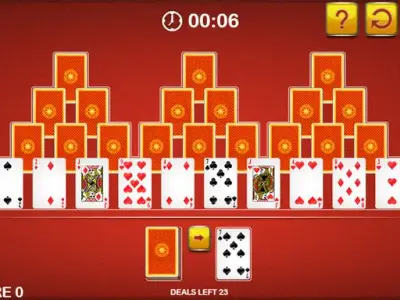
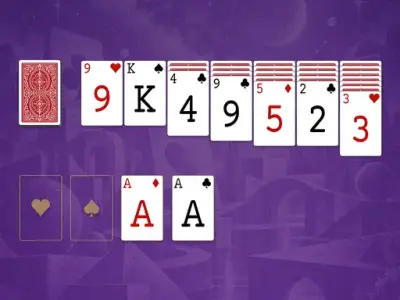
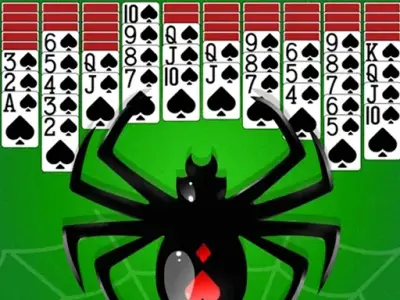
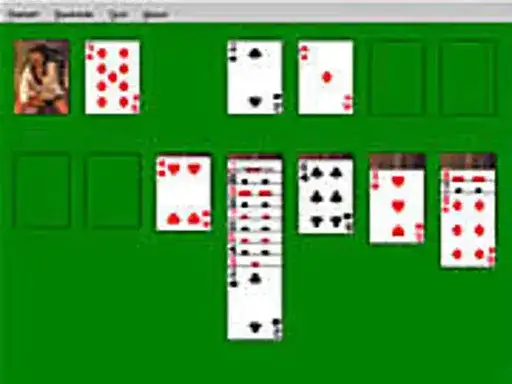
Solitaire is a card game for anyone who enjoys working through a deck on their own. You move the cards around the table to build the piles the game asks for, and the developer describes it as a nice game of solitaire for enthusiasts. The goal is to sort the cards into order, and you do that one move at a time. Each round starts with the cards laid out, and your job is to decide which card goes where. The game comes from Y8 and sits in the arcade and classic games category.
Controls explained
The controls are simple. Move the cards. That is the whole input, so there is nothing to memorize before your first round. If you have played a card game on a computer before, the handling will feel familiar from the first move. Take your time with each placement, because a card moved to the wrong pile can be hard to bring back.
Tips
- Look over the whole layout before you move anything, so you can see which cards are free to play.
- Move a card only when it opens up another card underneath it.
- Keep the piles you are building in order, since a tidy table is easier to read.
- When two moves look equally good, choose the one that frees the most cards.
- Slow down near the end of a round, when the remaining choices matter more.
FAQ
What do I actually do in Solitaire? You move the cards around the table to build the piles in order. The developer’s description keeps it simple, a nice game of solitaire for enthusiasts.
Do I need to learn a lot of controls? No. The only control is moving the cards, so you can start a round and work out the layout as you go.
Can I play it in my browser? Yes. Solitaire runs free in the browser on GameJoy, and it is listed under arcade and classic games.